免责声明: This content is for general informational purposes only and does not constitute legal or financial advice. Payment gateway features, fees, and requirements may vary by provider. Please consult your payment service provider for specific guidance.
Setting up the right payment gateway is crucial for any Shopify store. A smooth and secure checkout not only builds trust with your customers but also directly impacts your sales and conversions. A confusing or unreliable payment system can lead to abandoned carts and lost revenue.
This guide will walk you through everything you need to know to set up a payment gateway on Shopify, covering local and international payment options, testing, security, compliance, and optimization tips to boost conversions.
Understanding Payment Gateways
A payment gateway acts as the bridge between your online store, your customer, and the bank or payment processor. It securely authorizes transactions and ensures funds are transferred properly.
Common Payment Methods
- Bank transfers / FPX-style payments: Popular in Malaysia and other local markets.
- Credit & debit cards: Accepted worldwide, essential for international customers.
- E-wallets / Mobile wallets: Digital wallets are increasingly popular for convenience.
- International payment options: Supports cross-border sales and multiple currencies.
Key Factors to Consider
Before choosing a gateway, consider:
- Transaction fees: Some gateways charge 1–3% per transaction; others may have additional monthly fees.
- Setup complexity: How easy is it to integrate with Shopify?
- Security & compliance: Does it comply with applicable PCI DSS standards?
- Support & reliability: Look for responsive customer service and uptime guarantees.
Preparing for Integration
Before you start integrating a payment gateway, make sure you have the following:
- Business registration: Ensure your store is registered (SSM in Malaysia or equivalent).
- Bank account verification: Link a valid bank account for payouts.
- KYC & compliance: Most gateways require merchant identity verification for security and regulatory purposes.
- Documentation ready: Gather your API keys, secret tokens, and any credentials needed for configuration.
Step-by-Step Setup on Shopify
Follow these steps to integrate a payment gateway:
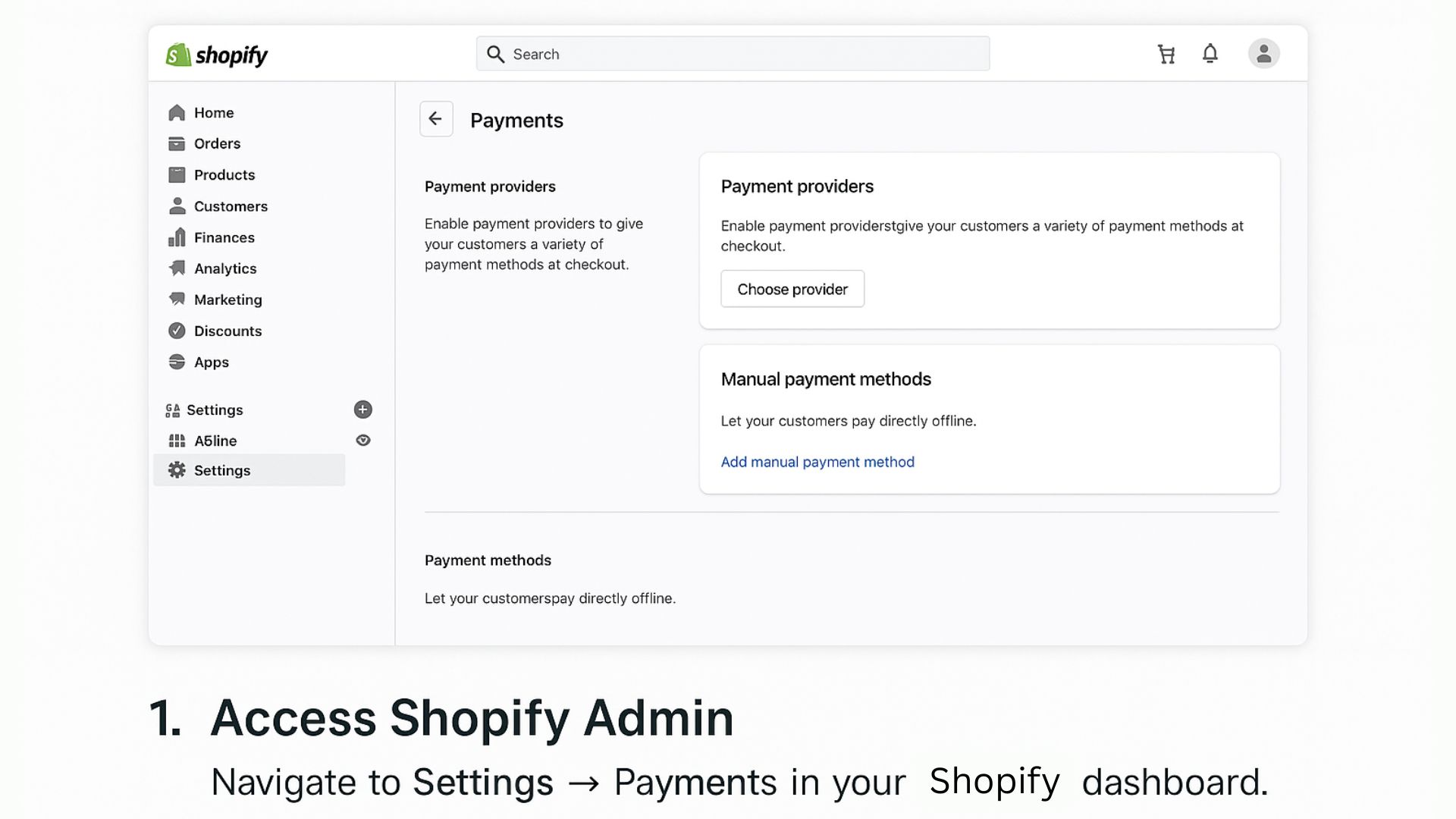
1. Access Shopify Admin
Navigate to Settings → Payments in your Shopify dashboard.
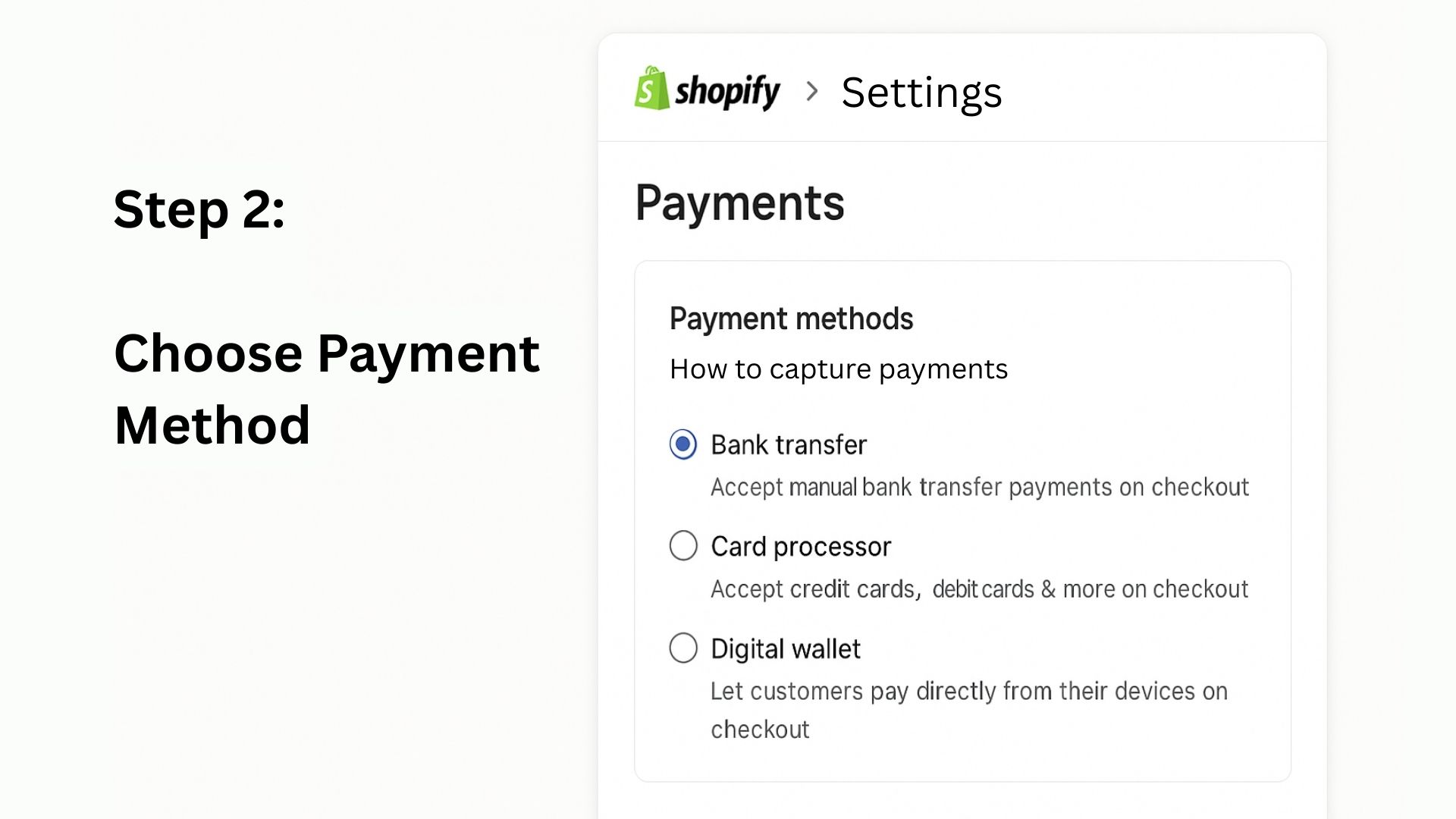
2. Choose Payment Method
Select the type of payment gateway: bank transfer, card processor, or digital wallet.
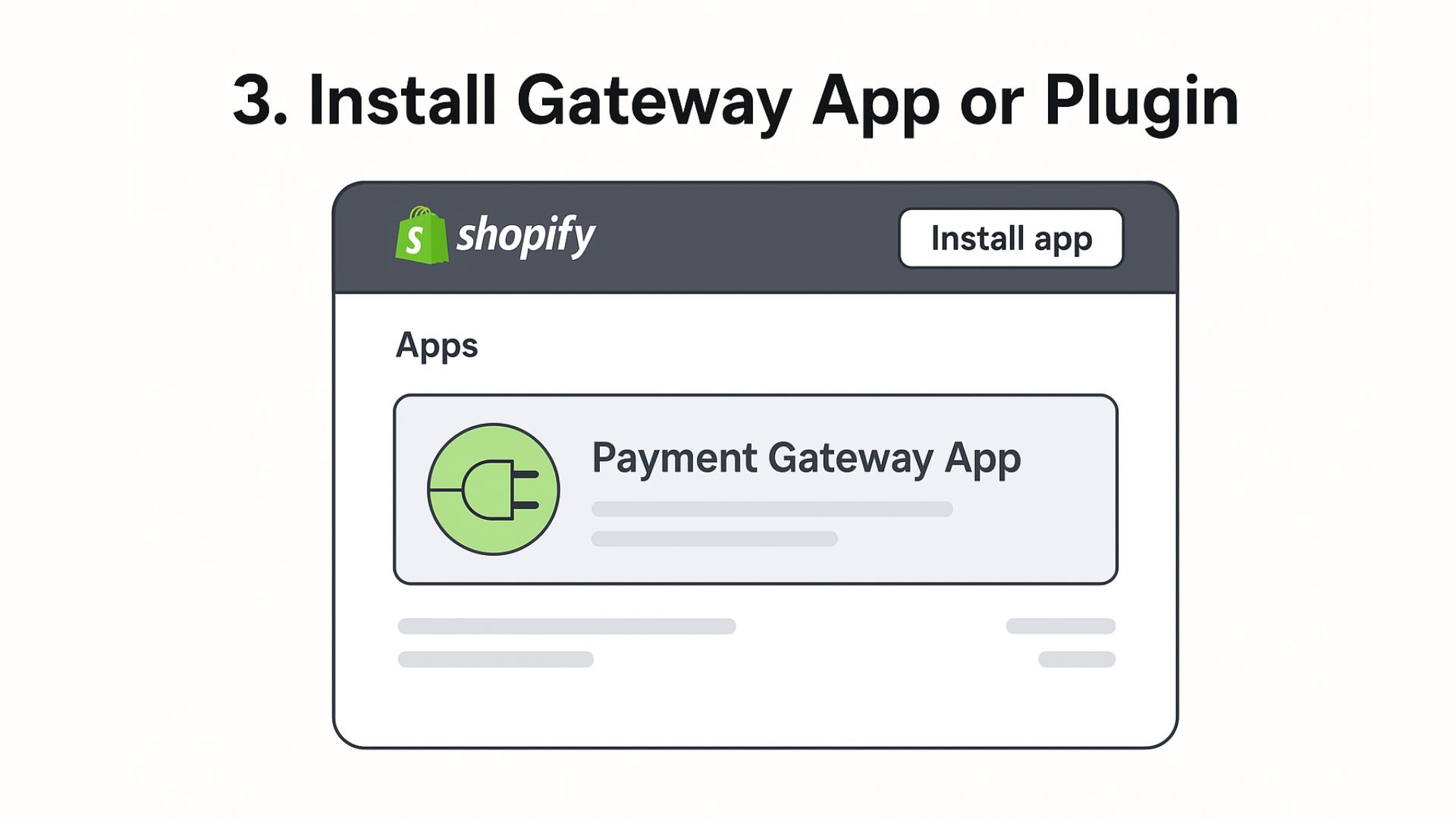
3. Install Gateway App or Plugin
Some gateways require installing a Shopify app. Follow the installation prompts.
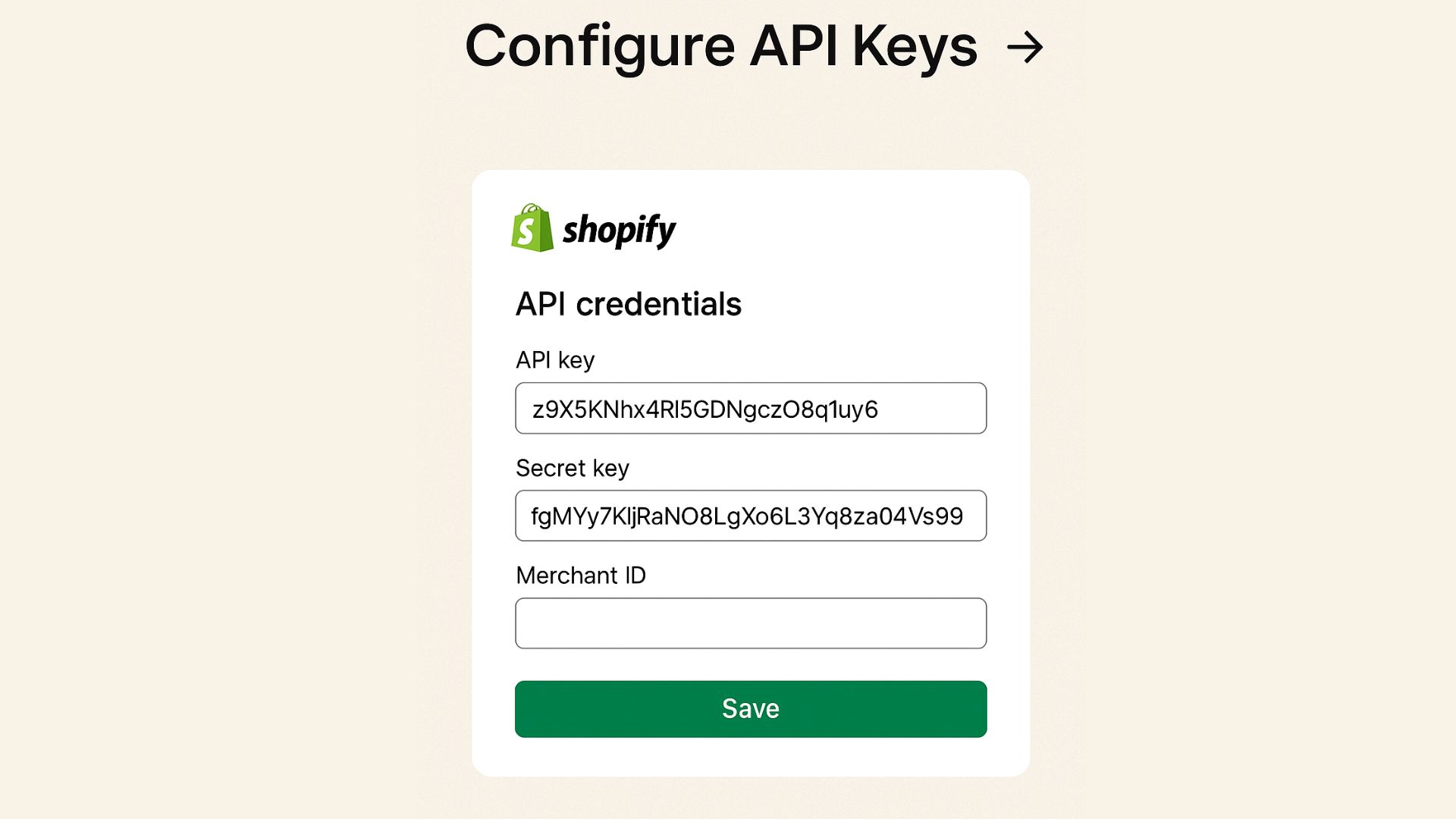
4. Configure API Keys
Enter your API credentials, secret keys, and merchant IDs as required.
5. Set Up Currencies and Checkout Options
Configure supported currencies and which payment methods are available to customers.
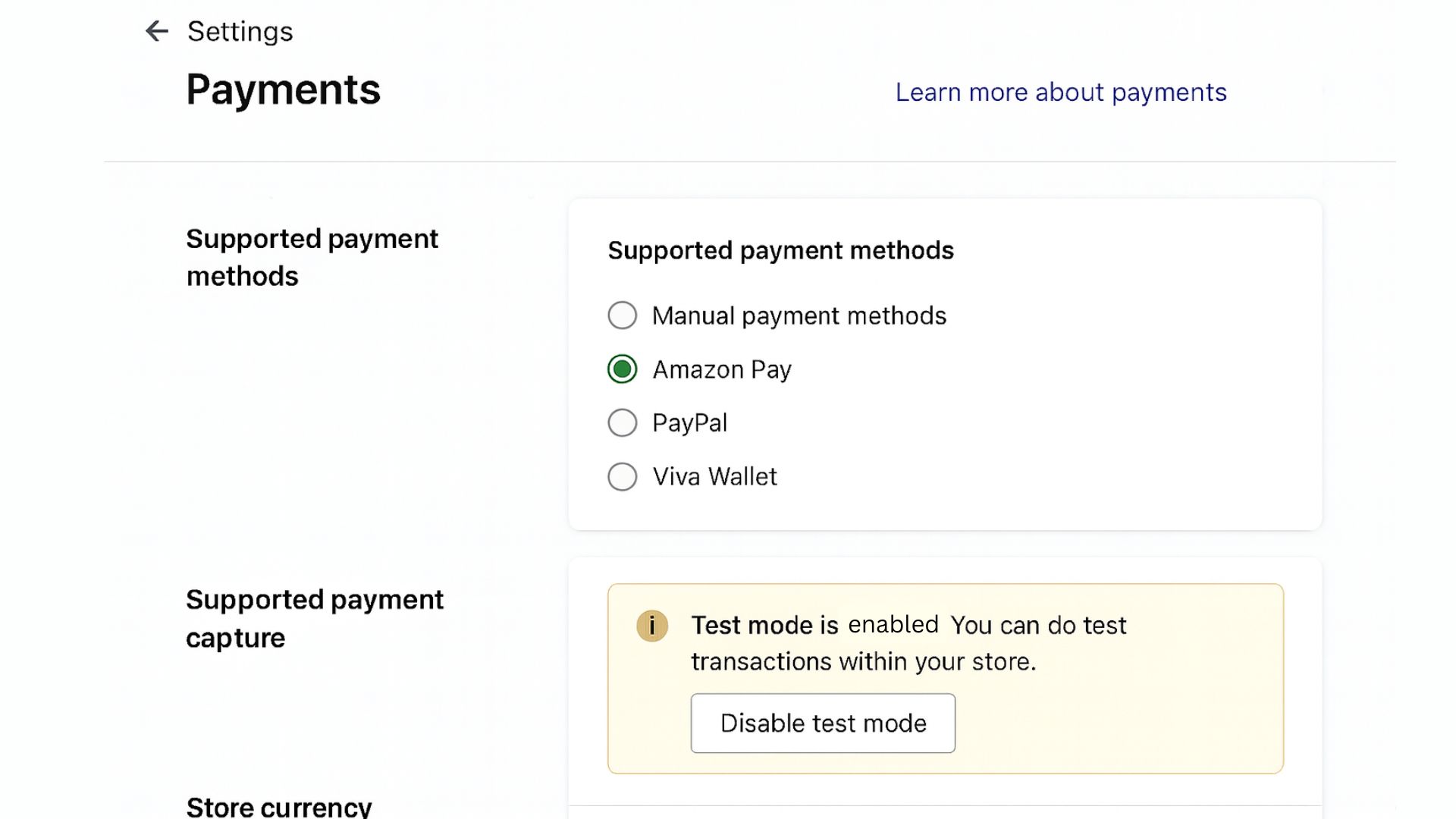
6. Enable Test Mode
Run trial transactions to ensure everything works correctly before going live.
7. Go Live
Once testing is successful, disable test mode and start accepting real payments.
Testing & Quality Checks
Proper testing ensures your checkout process works flawlessly:
- Run both successful and failed transactions to verify handling.
- Confirm webhooks and order notifications are functioning.
- Check that customers see clear confirmation and error messages.
- Ensure reconciliation with your accounting system works correctly.
Troubleshooting Common Issues
Some common issues and solutions:
- Failed transactions: Double-check API keys and gateway credentials.
- Checkout errors: Verify that the app/plugin is correctly installed and updated.
- Refunds or chargebacks: Test how your gateway handles returns or disputes.
- Payment notification delays: Confirm webhook URLs and server settings are correctly configured according to your provider’s documentation.
Advanced Topics
Recurring Payments / Subscriptions
If your store sells subscriptions, ensure your gateway supports recurring billing and automated invoicing.
Multi-Currency & Cross-Border Sales
Offer multiple currencies to attract international customers and reduce friction at checkout.
Automating Accounting & Reconciliation
Integrate your gateway with your accounting software to track payments and reconcile accounts automatically.
PCI Compliance & Data Security
Always use PCI DSS-compliant gateways and follow recommended best practices for handling sensitive data. Never store full card details on your system.
Enhancing Checkout Experience & Conversion
A smooth and reliable checkout process can positively influence customer purchase decisions:
- Provide a range of payment methods to accommodate varying customer preferences.
- Include security badges and reassurance messaging to help reduce abandoned carts.
- Ensure the checkout process is fully optimised for mobile users, as many customers shop via smartphones.
Example scenario: For a store generating RM10,000 in monthly sales with a transaction fee of 2%, this equates to RM200 in monthly charges. Selecting a suitable payment gateway and refining the payment process can support better conversion rates and help manage associated costs.
注: The figures above are for illustrative purposes only. Actual fees may vary by provider, transaction volume, and payment method.
Regulatory & Legal Guidance (Malaysia Example)
- Business registration: Verify your SSM or equivalent documents.
- KYC procedures: Complete merchant verification as required by banks or gateways.
- Data protection: Safely store customer data and follow privacy regulations.
- PCI compliance: Use certified gateways and follow recommended security protocols.
Summary Checklist
- Before Integration: Business setup, bank account, KYC documents ready.
- Gateway Setup: Install plugin, configure API keys, enable test mode.
- Testing: Run trial transactions, verify webhooks, check reconciliation.
- Go Live: Confirm checkout flow works for all payment types.
- Optimization: Add multiple payment methods, trust signals, mobile-friendly design.
- Compliance: Maintain PCI compliance and secure customer data.
结论
Getting your Shopify payment gateway up and running doesn’t need to be overwhelming.
With the right setup and a clear understanding of your options, you can deliver a secure and user-friendly checkout experience that supports business growth and customer trust. For Malaysian SMEs, choosing a local payment service provider like Paydibs can simplify integration, reduce costs, and offer tailored support for smoother operations. A bit of upfront planning and testing goes a long way in helping you avoid issues and maximise conversions.