Paydibs WooCommerce Payment Gateway Malaysia
Set up an all-in-one high-converting WooCommerce payment gateway that bridges the gap between your store and shoppers worldwide. Accept FPX, DuitNow, and Cards Payments through a single, secure WooCommerce integration.
Accept FPX, DuitNow and Card Payments On WordPress
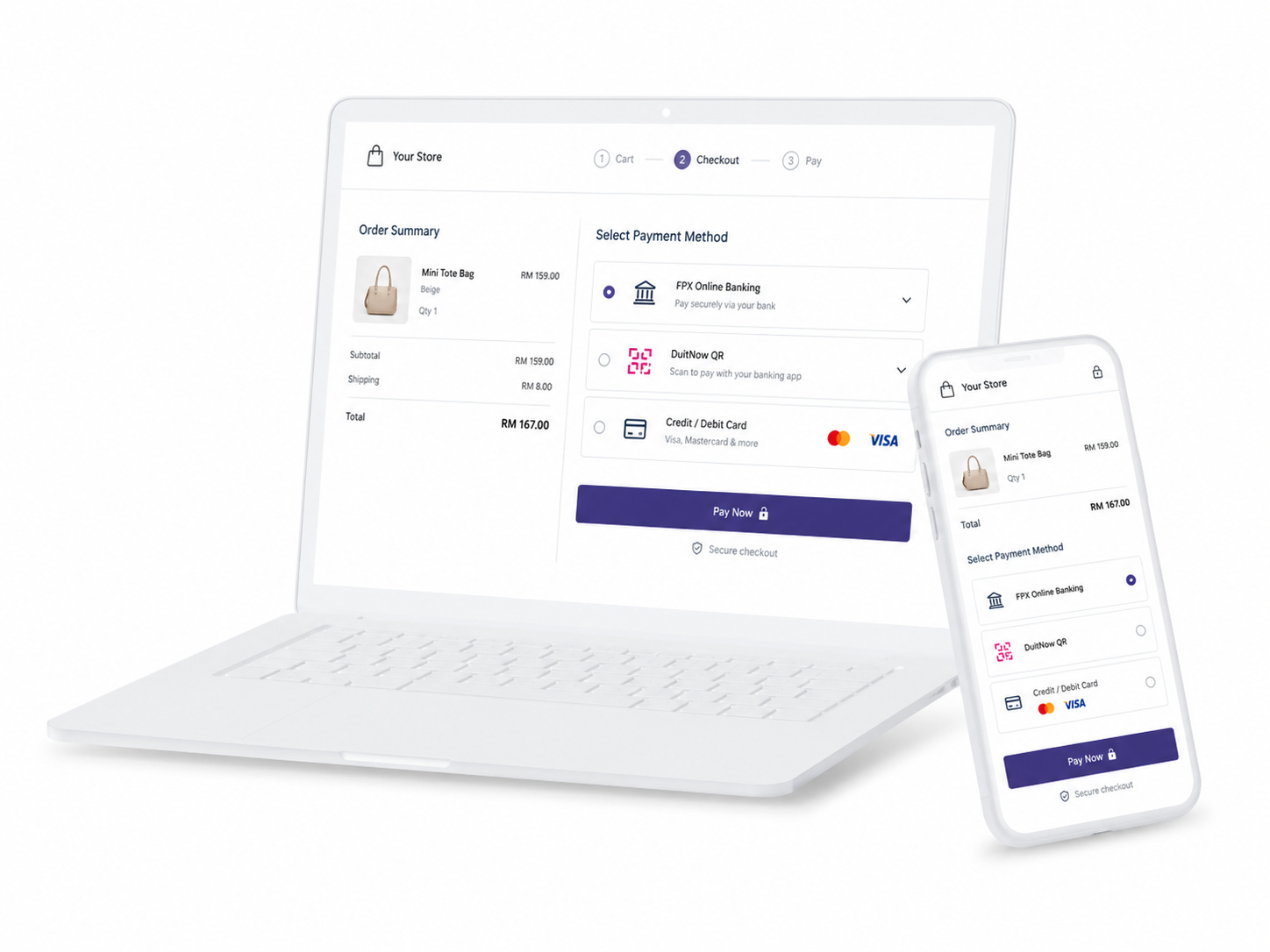
- Malaysian Local Payments: Supports FPX (online banking) and DuitNow QR. Supports major e-wallets including TNG, GrabPay, Boost and more (plan-dependent).
- Cards: Supports major card payments (e.g., Visa and Mastercard). Additional schemes (such as UnionPay) may be available depending on merchant requirements.
- Multi-Currency Capability: Support for cross-border transactions, enabling merchants to process payments from foreign customers in multiple currencies.
Easy Integration With Your WooCommerce Store
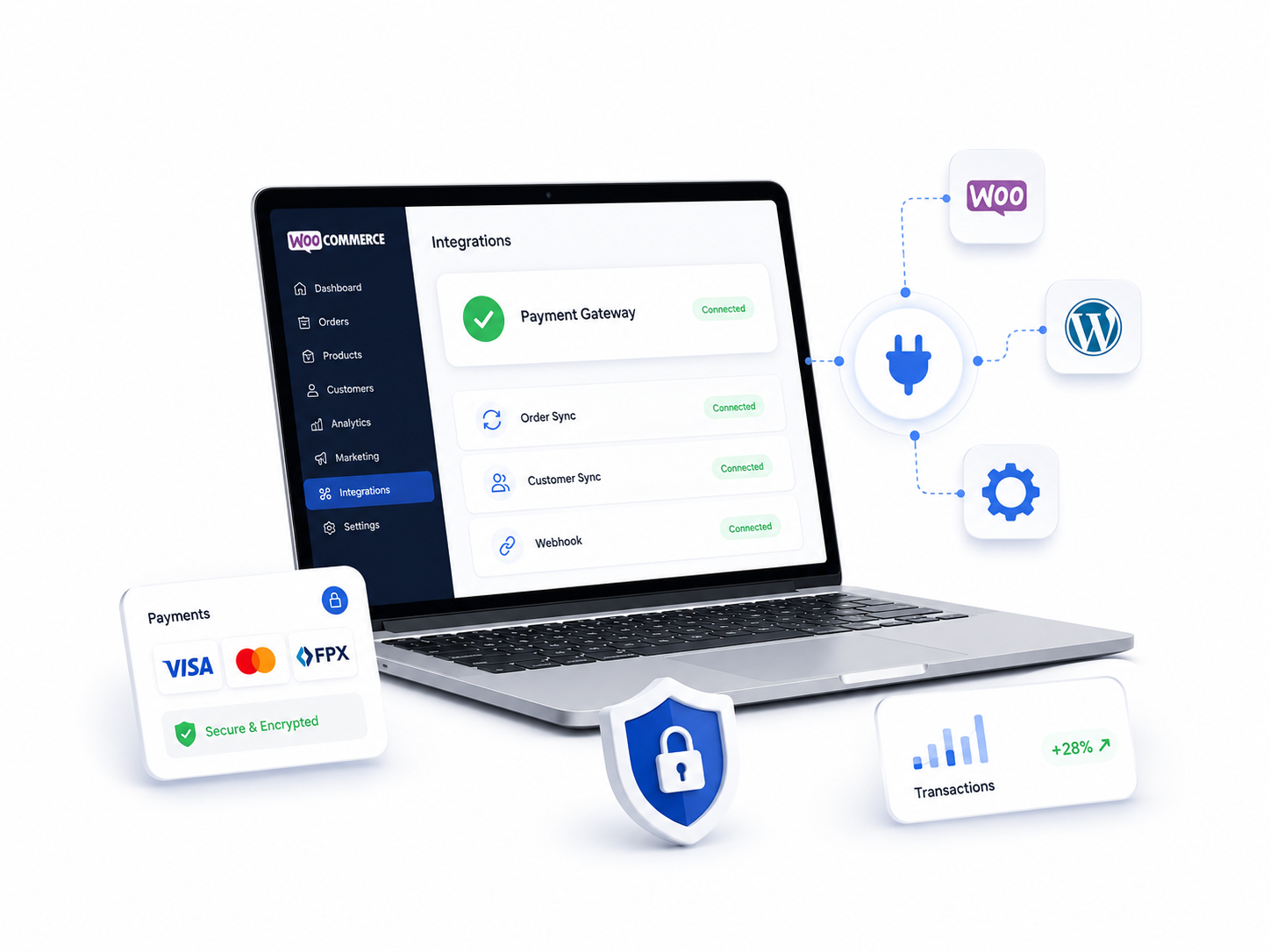
While launching a WooCommerce store is relatively straightforward, ensuring seamless payment completion is where many merchants face challenges. Paydibs integrates directly with the WooCommerce ecosystem to handle secure payments while keeping administrative workflow simple.
Why Malaysians Choose Paydibs
We offer an integrated payment solution built to handle the complexities of the Malaysian digital economy.

Automated Order Synchronisation
Uses webhooks to update WooCommerce order statuses (from Pending to Processing) in real-time upon successful payment.

Mobile-Optimised Checkout
The payment interface is designed to be responsive, adjusting for customers on mobile devices and tablets.

Scalable Setup & Operational Visibility
Ideal for MSMEs. Access basic reporting and transaction tracking directly within your WordPress Paydibs merchant dashboard.

BNM Regulated & Trusted
Regulated by Bank Negara Malaysia. Your funds are protected by the highest local financial standards and PCI-DSS compliant security.

Unified Cash & Digital Tracking
Manage your Cash on Delivery (COD) orders alongside digital payments within the Paydibs ecosystem for a consolidated view of your daily cash flow.

Get It Now
Start accepting payments online and offline seamlessly today!
These features allow merchants to scale from small online stores to larger eCommerce operations.
How Paydibs Woocommerce Plugin Works
Paydibs connects to WooCommerce via plugin-based or API integration, allowing merchants to enable payments without heavy development work.
Flexible Integration Modes
Plugin Integration
Recommended for most merchants; offers a quick, "no-code" setup.
API Integration
Designed for custom checkouts or advanced enterprise workflows.
This flexibility allows Paydibs to support both small businesses and more advanced eCommerce setups.
| Feature | Plugin Integration | API Integration |
|---|---|---|
| Effort | Low (No-Code) | High (Developer Required) |
| Best For | Small to Mid-sized SMEs | Enterprise / Custom Apps |
| Setup Time | < 30 Minutes | 2–5 Days |
| Requirement | Standard WP Login + API Keys | Technical Documentation + Sandbox Environment + Coding |
| Customisation | Standard Checkout | Full Design Control |
Enjoy Our Services
Steps To Integrate Paydibs with WooCommerce

1. Install the Paydibs Plugin
Search for Paydibs in your WordPress Plugins > Add New section, then install and activate.

2. Connect Your Paydibs Account
Access WooCommerce > Settings > Payments, select Paydibs, and enter your API keys.

3. Configure Methods
Enable the payment channels based on your business needs, like FPX, BNPL, or Cards and arrange their display order.

4. Validate & Go Live
Run a test transaction in sandbox mode to ensure order status updates and emails trigger correctly before switching to Live Mode.
Technical Walkthrough: For a detailed, click-by-click manual with screenshots, visit our Full WooCommerce Payment Integration Guide.
Technical & Business Requirements
Ensure your environment meets these standards before beginning the integration
| Category | Requirement |
|---|---|
| Website Security | Active SSL Certificate (HTTPS) |
| Platform | Current version of WordPress and WooCommerce |
| Account Status | Verified Paydibs Merchant Account |
| Business Setup | Registered business entity and active bank account |
A Better Checkout Experience For Your Customers
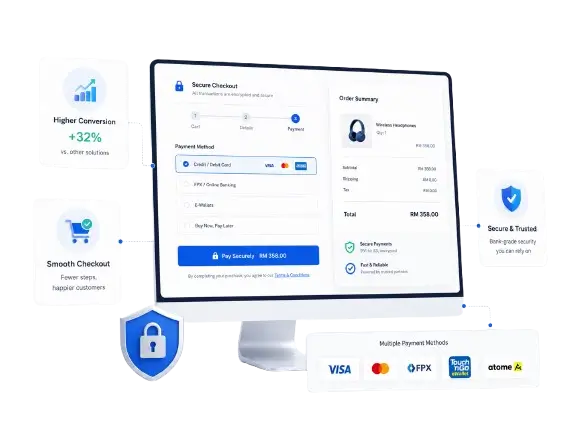
WooCommerce gives you flexibility. Paydibs gives you the ability to turn that flexibility into actual transactions.
By combining the right integration setup, supported payment methods, and checkout optimisation, merchants can create a system that not only accepts payments but converts traffic into revenue.
If you are planning to scale your WooCommerce store in Malaysia, getting your payment infrastructure right from the start is one of the most important decisions you can make.
Ready to Transform Your WooCommerce Store?
Stop chasing payments and start growing your business with Malaysia’s most reliable WooCommerce integration.
You Need to Know
WooCommerce FAQs
How do I add FPX to WooCommerce?
You can enable FPX through the Paydibs plugin by activating it in your payment settings after connecting your account.
Is WooCommerce payment integration free?
WooCommerce itself is free, but payment gateways charge transaction-based fees. Paydibs offers competitive local rates. For a full breakdown, check our latest payment gateway price list or contact our team for a custom quote.
How long does integration take?
Plugin setup can be done quickly, but total time varies based on onboarding/approval steps, site readiness, and testing.
Can I accept international payments with WooCommerce from outside Malaysia?
Yes, Paydibs supports international card payments and multi-currency transactions for cross-border sales.
What happens if a payment fails?
Failed payments are usually recorded in WooCommerce, allowing customers to retry or choose another payment method.
Does it handle currency conversion?
The Paydibs WooCommerce plugin works seamlessly with multi-currency extensions, allowing you to display and collect payments in various global currencies.
How are order status updates handled?
The plugin uses a notification system (webhooks) to communicate with the Paydibs server. Once a payment is confirmed by the bank or provider, the WooCommerce order status is updated automatically.
Our Partners :





As Seen On :



















Paydibs is a leading payment solutions provider committed to simplifying transactions for businesses of all sizes.